
Orcraft: the platform for test development and orchestration that lets you and your AI agents run the entire testing operation
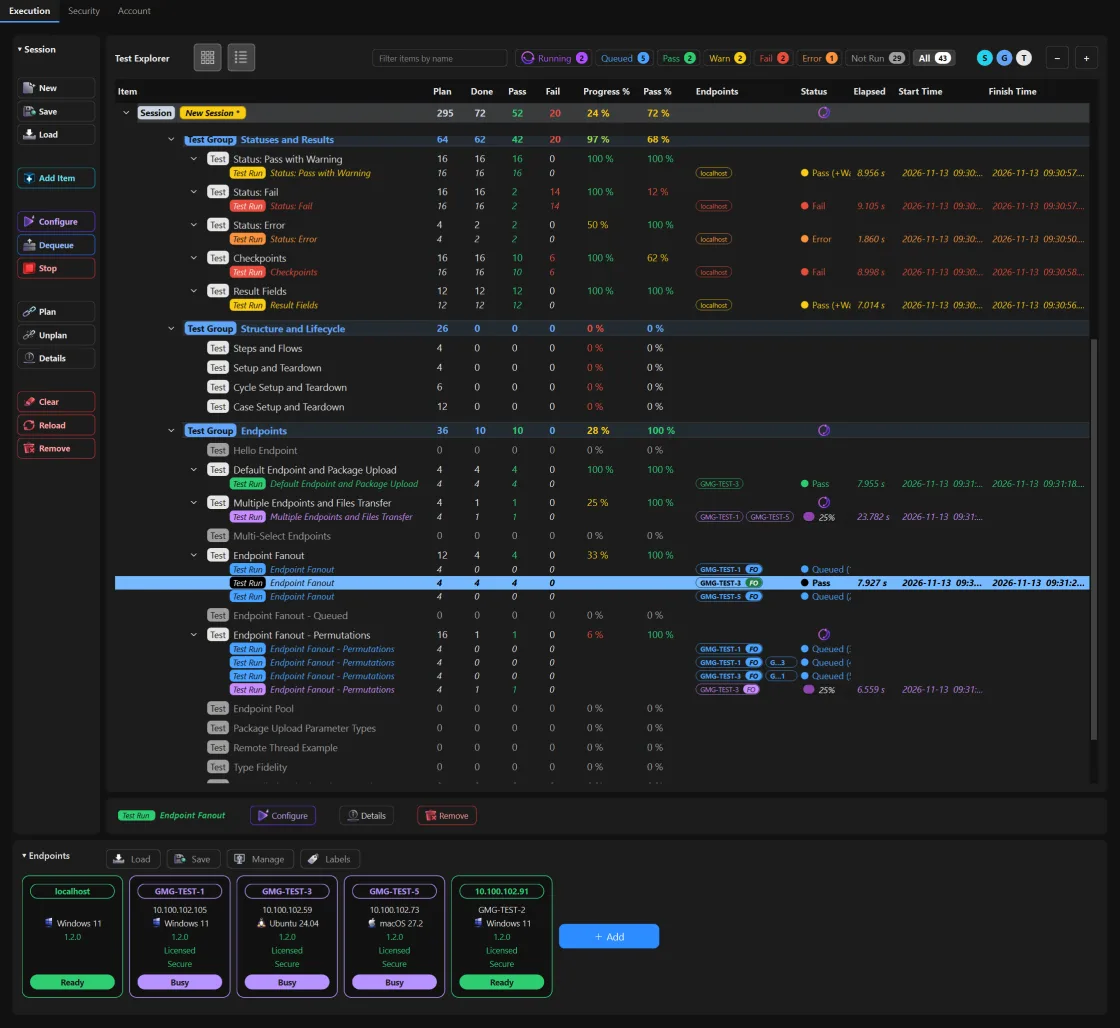
Main principles
Codefirst
Suites, groups, tests, flows and steps are developed directly in Python. Orcraft derives the GUI from the code, preserving a single source of truth across GUI, CLI and CI execution.
Codeonce
Write a test suite once, then re-run it with different settings, endpoints or dimensions - without touching the code.
Codeonly
No separate configuration language for your tests - everything is defined in Python, including test configuration widgets in the GUI, generated dynamically from the code.
The testing operation
 Controller
GUI, CLI, CI
Endpoints
 Windows
 Linux
 macOS
Test suite standardization
Controller
Builds the GUI from the code
Parametrized cases
Controller
Expands the dimensions into cases
Case matrix
645121500
tcp
!
udp
Configurable
Randomized
Lambda values
Orchestration
Controller
Dispatches each step to its endpoint
Test
Case
Flow
Windows
Endpoints
Linux
Endpoints
macOS
Endpoints
Logs and results
Controller
Live logs from every endpoint
How it works
Configure the run visually or with your AI agent
Let your AI agent set the values in code: endpoints, parameters and dimensions. Or configure the run through GUI widgets auto-generated from the code, including target endpoints selection, with no additional configuration files, scripts or plugins to maintain. Or run with defaults from the CLI or CI.
Run from GUI, CLI, CI or your AI agent
Tell your AI agent which machines to run on and let it configure the run, execute it and read the log. Or execute entirely from the GUI, following the configurable test plan. Or confirm everything works from the GUI, then export the same working configuration to run unattended from the CLI or CI.
Analyze results visually or with your AI agent
Let your AI agent read the logs and report failures, recurring patterns across endpoints and versions, and recommended actions. Or read the structured reports down to the test step level in the GUI, export them to a spreadsheet, or export any scope for agents as a plain-text summary with its logs.
Core capabilities
Test suite standardization
Every suite has the same structure in plain Python: suites, groups, tests, cases, flows and steps, written by your AI agent or by hand with no API to learn. The controller derives the GUI from it.
Dynamically built GUI
The controller builds the GUI from the code: configuration widgets for every parameter, dimension and endpoint placeholder, with no configuration files, scripts or plugins to maintain. Build run plans, follow the execution live in the tree and read the results down to the step.
Continuous test development
The suite grows with the system. On demand or on a schedule, your AI agent adds the missing tests, and every fixed bug becomes a test.
Orchestration
When asked or when scheduled, your AI agent picks the machines and runs across the lab. Or build run plans in the GUI, queue tests and execute them in parallel across endpoints. The controller ships the package and collects the results.
Continuous integration
The same suite runs unattended in the pipeline, from a snapshot exported from the GUI or a batch your AI agent writes, with the same results. Written by your AI agent, reviewed in the GUI, run from CI, and kept growing by your AI agent.
Parametrized cases
Dimensions expand a test into a case matrix, executed in defined or randomized order over configurable cycles.
Remote & shared endpoints
An endpoint application on remote machines, sharable across the team. The developer defines the target endpoints placeholders per test step.
Automatic upload & updates
Orcraft uploads the test package to each endpoint and updates its software whenever versions differ.
Centralized logs & results
All run data is centralized in one place: live logs, aggregated results, and detailed step-level statuses.
Reports & export
Export any scope to structured spreadsheets, to portable session files, or for your AI agent as a plain-text summary with its logs.
Sessions & history
Sessions are saved, reopened later and re-executed with the same plan.
Secure connection
Optional mTLS between controller and endpoints, with token-based access control.
See Orcraft side by side with other test tools.
Built for
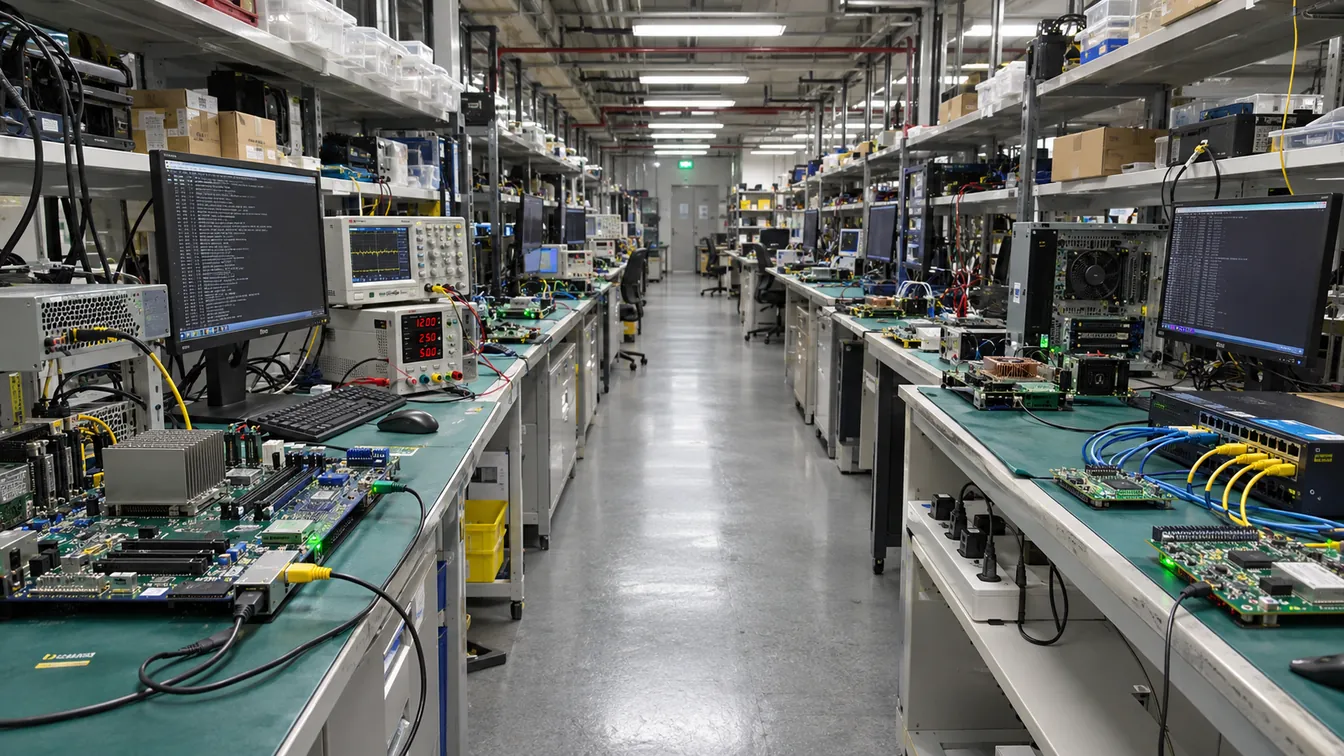
- Validation labs
- System testing
- Software validation
- Firmware validation
- Hardware validation
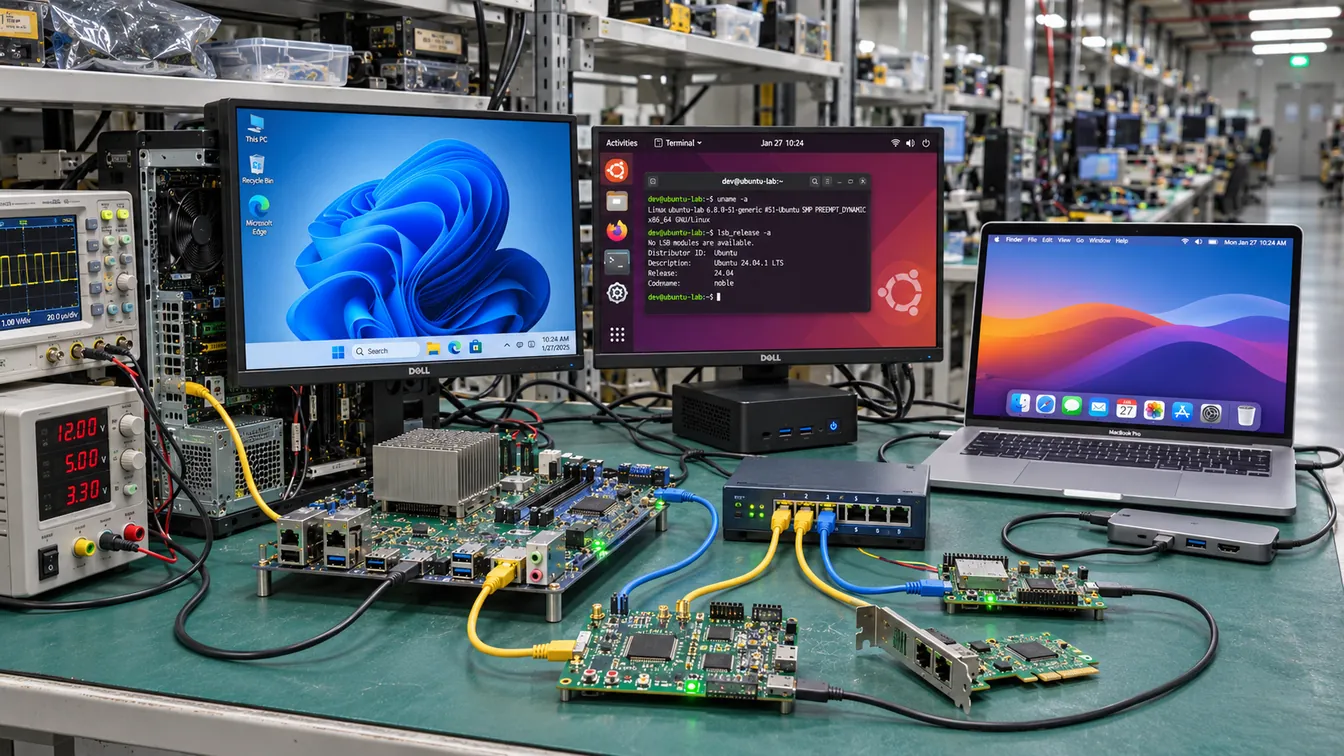
- Cross-platform automation
- CI execution
- Multi-machine test fleets
- Testing run by AI agents
- Network and protocol testing
- Manual and automated runs
Supported on
- Windows
- Linux
- macOS